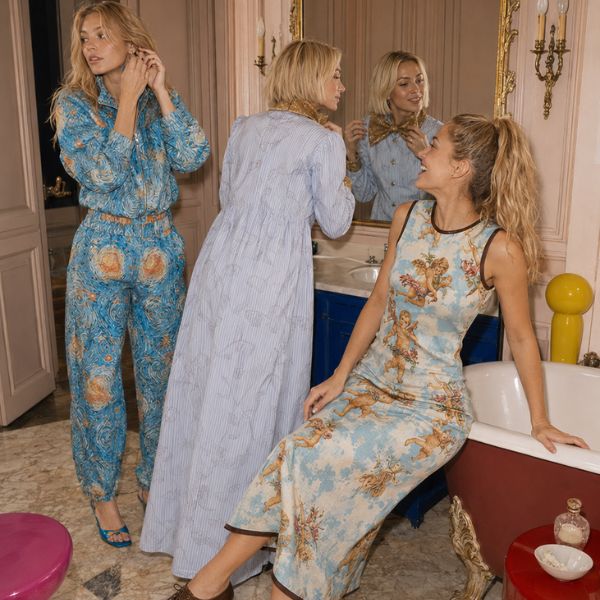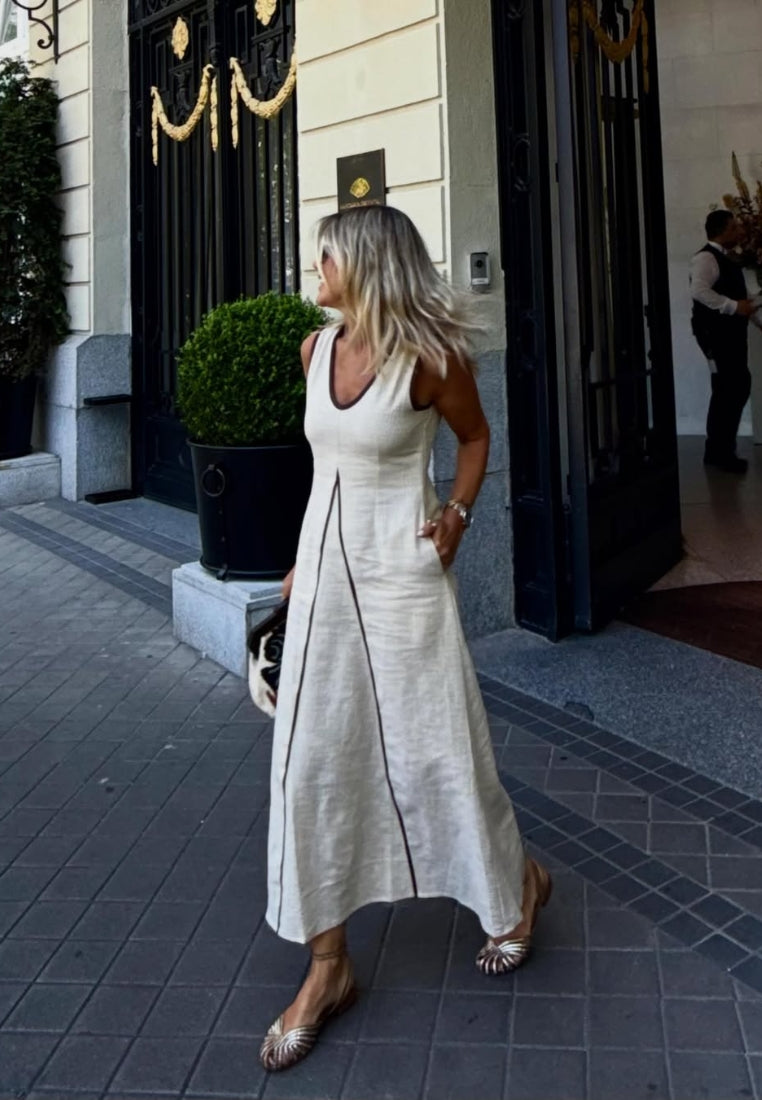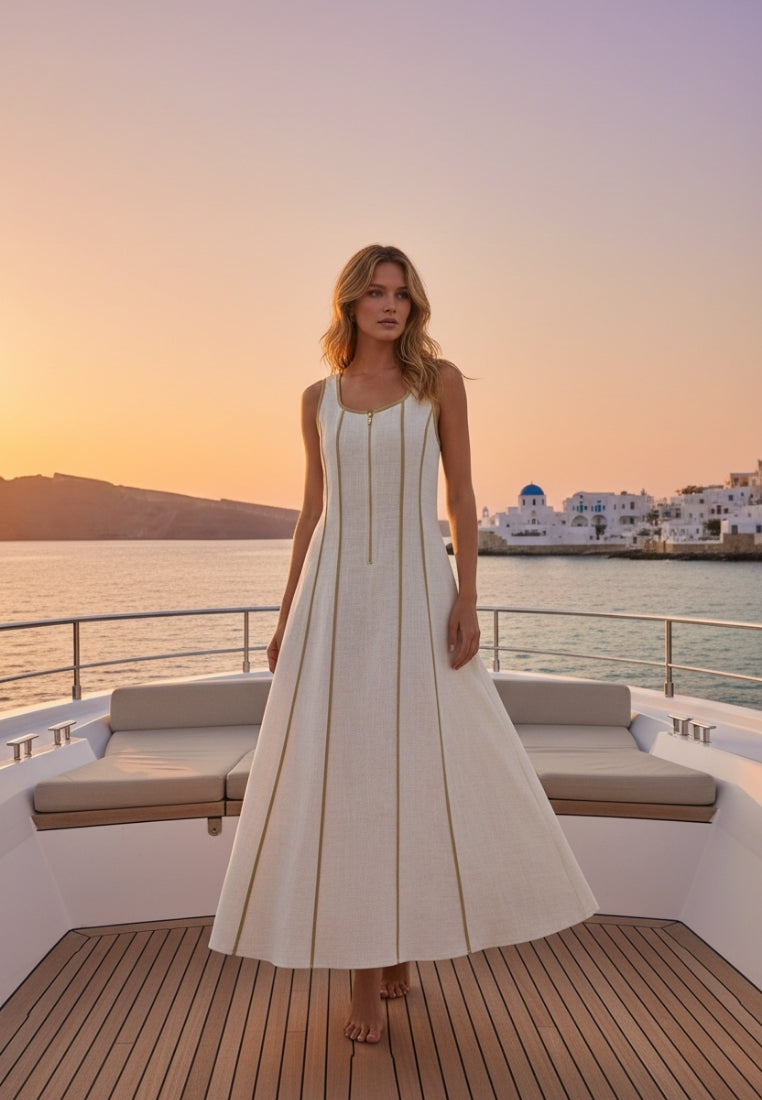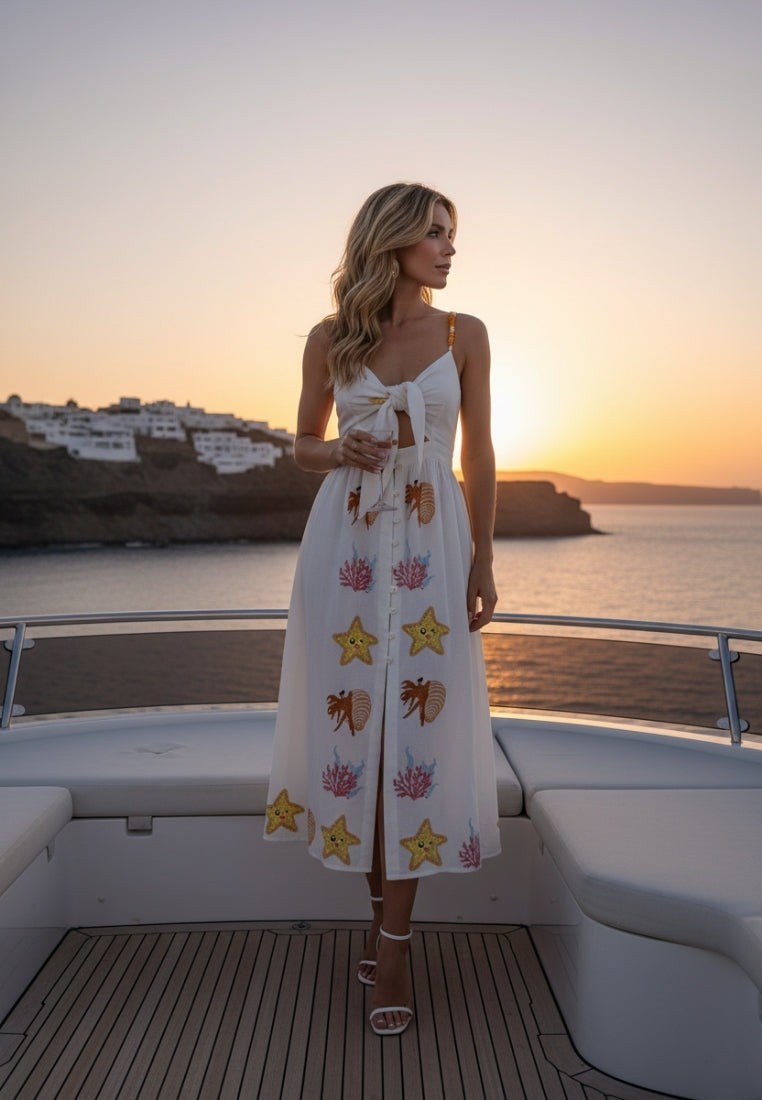
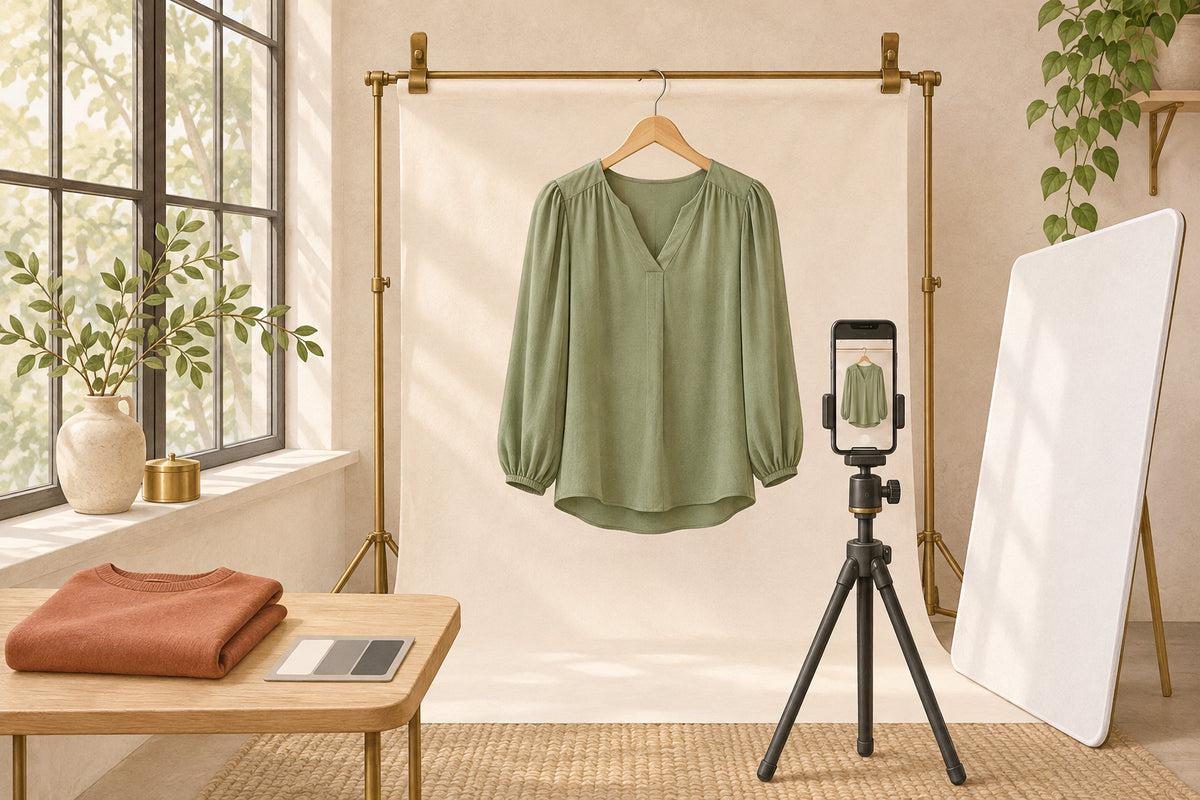
A boutique does not need a different photographic idea for every delivery. It needs a repeatable set of images that helps customers recognise the colour, understand the shape and see what they are buying. A beautiful campaign photograph can introduce a collection; a product page also needs clear views that answer practical questions.
Use the following routine when preparing a small clothing and accessories collection for your online store. The aim is consistency and useful detail, rather than a large number of nearly identical photographs.
Give every photograph a specific job
Before steaming a garment or opening the camera, write a short shot list. Use the same sequence for comparable products so customers know where to look. Add extra views only when they explain something the standard sequence misses.
| View | Question it should answer | Check before moving on |
|---|---|---|
| Clear front view | What is the overall shape? | The full silhouette is visible, with sleeves and hem inside the frame. |
| Back view | What happens at the back? | Show closures, ties, seams and any change in coverage. |
| Useful close-up | What does the surface or fastening look like? | Focus on the actual texture, embroidery, clasp or button. |
| Scale or worn view | How large is it, or how does it sit? | Use a natural pose; add verified dimensions or model information separately. |
| Styling view | How could I wear it? | Make clear which item is being sold and which pieces are styling accessories. |
For a blouse, a front view, back view, cuff detail and worn view may be enough. A statement necklace needs a view showing its proportions and fastening as well as its decorative face. This is a starting sequence, not a requirement to create five images for every item.
Make one setup easy to repeat
Choose a plain background that separates the item from its surroundings. Put the camera or phone on a stable support, and mark the positions of the stand and garment so a colleague can recreate them. Keep the camera height and distance consistent for items in the same category. Leave enough space around the product for the crop your website uses.
Use a steady, soft light source. If you work beside a window, avoid a patch of direct sun across the garment and watch for changes as clouds pass. Turn off nearby lights that give the fabric a different colour cast. Take one reference photograph, compare it with the physical item, and revisit it during the session. A grey reference card can help you spot a shift; it is not a guarantee that every customer's screen will show identical colour.
Prepare the item without changing what it is
- Check the sample: photograph the correct style, colour and version, with its actual fastenings and accessories.
- Prepare according to its care instructions: remove lint and tidy the garment; do not assume every fabric can be steamed or ironed in the same way.
- Show the real silhouette: avoid hidden clips that make a loose garment appear fitted. If you show an intentionally adjusted styling, also include an unaltered view.
- Keep details truthful: do not smooth away texture, change the print or use colour editing to make one variant represent another.
A light background can make a pale garment difficult to read, while a dark background can conceal dark fastenings. Test the outline and detail before photographing the whole batch. A customer should not have to guess where the sleeve ends or how a clasp opens.
Work by style and colour, not by memory
Keep a simple capture sheet with one row per style and colour. Record the product reference, the sample size, the required views, the filenames and anything that still needs checking. Photograph a temporary reference card before each new item, then keep that frame out of the public gallery. This helps prevent a similar-looking blouse or neighbouring colour being assigned to the wrong page.
Use filenames such as style-colour-front, style-colour-back and style-colour-detail. Keep original files in a separate folder from edited website exports. If you reshoot an item, mark which version is approved so someone updating the website does not accidentally select an old photograph.
Edit for consistency, then check the mobile page
Apply a consistent crop and modest exposure adjustments, comparing the result with the item in front of you. Do not use a preset simply because it makes the collection look warmer or brighter. For fabric, colour is product information.
Export to the dimensions and file format your store supports, then inspect the actual product page on a phone. Check the first image in the collection grid as well as the full gallery. A crop that works on the product page may cut off a hem in a square thumbnail. Confirm that close-ups remain sharp enough to be useful and that images load without making the gallery unnecessarily heavy.
Write short, descriptive alternative text for meaningful images: for example, “Sage blouse, back view showing button fastening.” Describe what the photograph shows rather than repeating a list of search keywords.
Use a final handover before publishing
Ask a colleague who did not take the photographs to match each gallery to its product. They should check colour, view order, visible details, mobile crop and whether the styling could confuse what is included. If you use brand-supplied images, confirm the permitted use and that they match the version you stock. Keep atmospheric campaign images alongside clear product views, with each doing a different job.
For boutiques considering Be Sunset, apply for wholesale access to start a conversation with the team. When discussing your assortment, ask which current product imagery is available for your store and confirm usage before building your launch pages.
Header illustration created for this guide; the garments shown are illustrative examples, not catalogue products.